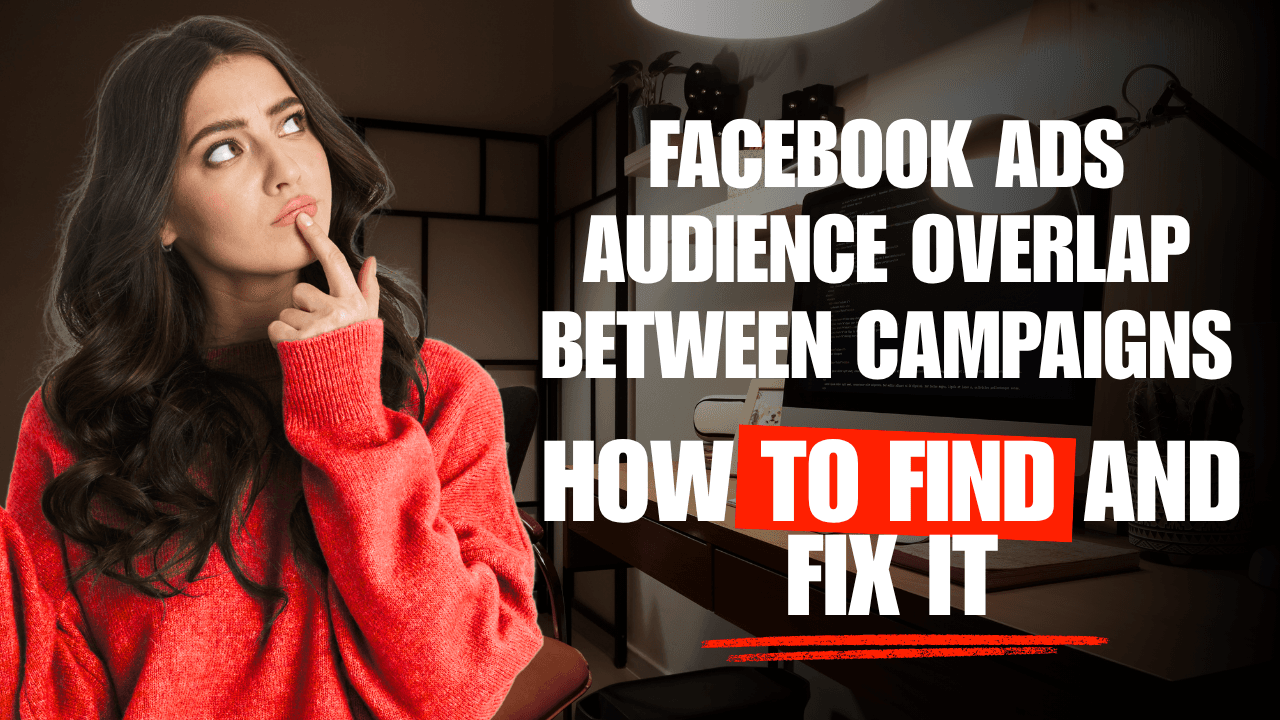
Here's what makes audience overlap a genuinely tricky problem to catch: it doesn't show up as a red flag in any single campaign's metrics. Campaign A looks fine. Campaign B looks fine. Both are running, both are getting some results, and there's no obvious signal from either one in isolation that they're quietly working against each other. The overlap only becomes visible when you compare the two campaigns' audiences directly, which most people never think to do, because nothing about either campaign's own dashboard prompts the comparison.
What's Actually Happening
When two active campaigns target audiences that meaningfully overlap, say, a broad interest-based prospecting campaign and a lookalike audience that happens to include a lot of the same people, they're effectively entering the same auction for the same person's attention. Meta's ad auction doesn't know or care that both ads belong to you; from the auction's perspective, they're two separate advertisers competing for the same impression.
The practical effect: you can end up bidding against yourself, driving up the cost to reach that shared audience segment for both campaigns simultaneously, without either campaign's own reporting making the cause obvious. Each one just looks like it's paying somewhat more than it should for delivery, a subtle enough effect that it's easy to attribute to general market conditions instead.
Common Ways Overlap Happens
Broad prospecting alongside a lookalike audience. A 1% lookalike based on purchasers, run alongside a broader interest-based campaign, often shares more of its audience than expected, lookalike audiences aren't as narrow or distinct as the name implies.
Multiple retargeting audiences at different depths. A campaign retargeting website visitors and another retargeting add-to-cart users will overlap heavily, since everyone who added to cart also visited the site.
Geographic or demographic targeting that wasn't fully thought through. Two campaigns aimed at slightly different age ranges or locations that turn out to share a large common segment.
Campaigns left running after their original purpose ended. A seasonal or promotional campaign that never got paused, now overlapping with the always-on campaigns that replaced it.
How to Check for It
Meta's Ads Manager includes an audience overlap tool (accessible through the Audiences section) that lets you compare two saved audiences directly and see the percentage of overlap between them. This is worth running specifically, not just assumed, overlap that looks obvious in theory (two very differently named campaigns) isn't always as high as expected, and overlap that seems unlikely (two campaigns with different objectives) is sometimes surprisingly significant.
If you're running more than two or three concurrent campaigns, it's worth checking every meaningful pair, not just the ones that seem most likely to overlap, this is exactly the kind of check that's easy to skip because it doesn't scale well to manual review as campaign count grows.
What to Do When You Find It
Consolidate genuinely redundant campaigns. If two campaigns are targeting largely the same audience with a similar objective, there's often little reason to run them separately, consolidating into one campaign removes the internal competition entirely.
Use audience exclusions deliberately. If you need to keep campaigns separate (different creative angles being tested against the same broad audience, for example), excluding one campaign's audience from the other prevents the overlap without requiring full consolidation.
Reconsider retargeting depth structure. If multiple retargeting audiences at different funnel depths are overlapping heavily, consider whether they need to be separate campaigns at all, or whether a single, well-structured retargeting campaign with internal audience segments would serve the same purpose more efficiently.
Clean up dormant campaigns. The simplest fix, and one worth checking regularly: campaigns that no longer serve an active purpose but are still technically live, quietly overlapping with current campaigns.
Why This Is Worth Checking Even If Nothing Seems Obviously Wrong
Because overlap doesn't produce an obvious red flag in any individual campaign's own numbers, it's genuinely easy to have real, meaningful overlap in an account that otherwise looks healthy, no single campaign is bad enough to prompt investigation, but the account as a whole is paying more than it needs to, spread thin enough across multiple campaigns that it's hard to spot without deliberately comparing them.
This is one of the specific reasons a full account-level view matters more than reviewing campaigns one at a time, overlap is, by definition, a relationship between campaigns, not a property of any single one.
Checking This Automatically
Manually comparing every pair of active campaigns for overlap doesn't scale well past a handful of campaigns, and it's exactly the kind of check that gets skipped when an account has a lot of concurrent activity, which is also when overlap is most likely to be happening.
WizeScale checks for meaningful audience overlap across your active campaigns automatically, as part of its regular account read, and surfaces it as a named signal when it's found, rather than requiring you to manually run Ads Manager's overlap tool against every campaign pair yourself.
Worth a Deliberate Look
Audience overlap is one of the more commonly missed issues in a Meta Ads account specifically because it's invisible from any single campaign's own dashboard, it only shows up when you compare campaigns against each other directly. If you're running several concurrent campaigns and haven't checked for overlap recently, it's worth a deliberate look, especially if overall account efficiency feels slightly worse than any individual campaign's numbers would explain.
Connect your Meta Ads account to WizeScale to get overlap checked across your whole account automatically. Read-only, ready in minutes.